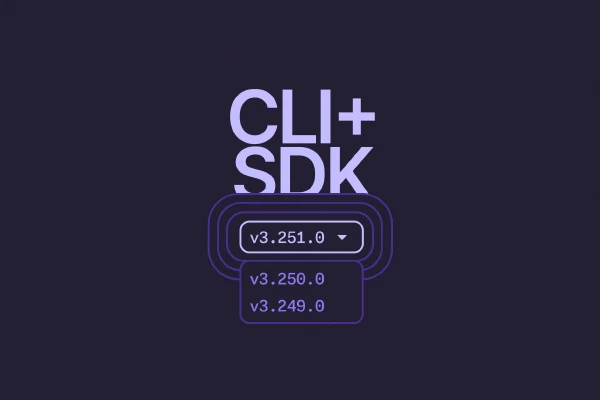
Pinned to an older Pulumi CLI or SDK version and finding that the docs describe a newer release? The Pulumi CLI command reference and the SDK API docs now include a version selector, so the documentation you’re reading matches the version you’re actually running.
How it works
When you open the CLI command reference, you’ll see a version dropdown near the top of the page, below the title. The SDK API docs carry the same dropdown in the upper-right corner. Choose a release, and the page loads the documentation generated for that exact version.


What’s available
Alongside the latest release, we keep immutable snapshots of previous versions going back to v3.150.0 (early 2025). The CLI command reference and the Node.js, Python, .NET, and Java SDK API docs are all covered, so the docs you need are only a dropdown away. (The Go SDK is versioned on pkg.go.dev, so its documentation lives there rather than in the Pulumi docs.)
Get started
Head to the CLI command reference or the SDK API docs and try the version dropdown. Selections are sticky, so when you navigate into a version, you’ll be able to click around within that same version without having to choose it again.
Have feedback? Let us know in the Pulumi Community Slack or by opening an issue on GitHub.
Browse the CLI command reference